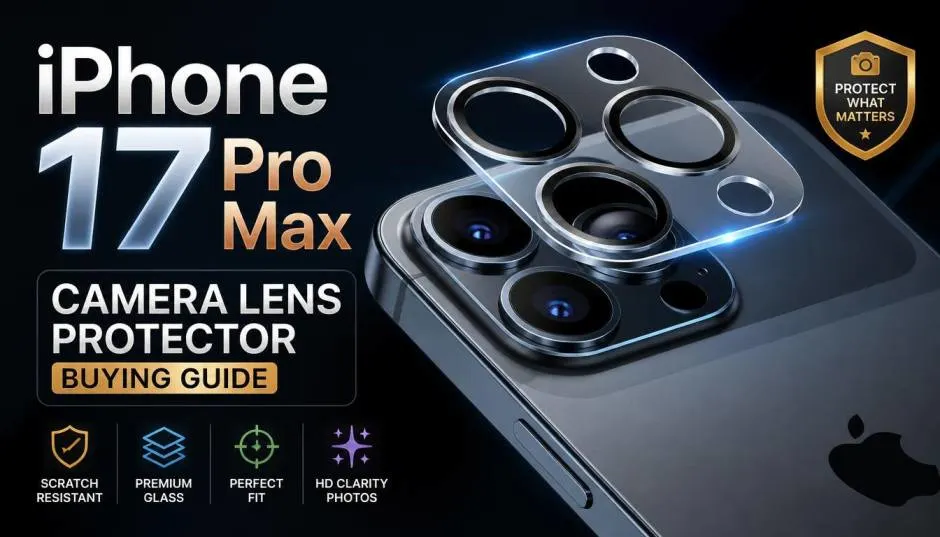
iPhone 17 Pro Max camera lens protector shopping is trickier than it looks. I've tested five brands on my own phone since launch, and two of them actually made my photos worse.
The iPhone 17 Pro Max carries a 48MP triple-camera system with sapphire crystal lens covers. That sapphire is scratch-resistant, not shatter-proof. One drop on concrete and you're looking at a costly repair.
But a bad protector can blur your zoom shots, ruin flash photos, and peel off within days. This guide shares what I learned from real use, which brands held up, and the red flags that saved me from wasting more money.
Why the iPhone 17 Pro Max Needs a Different Protector?
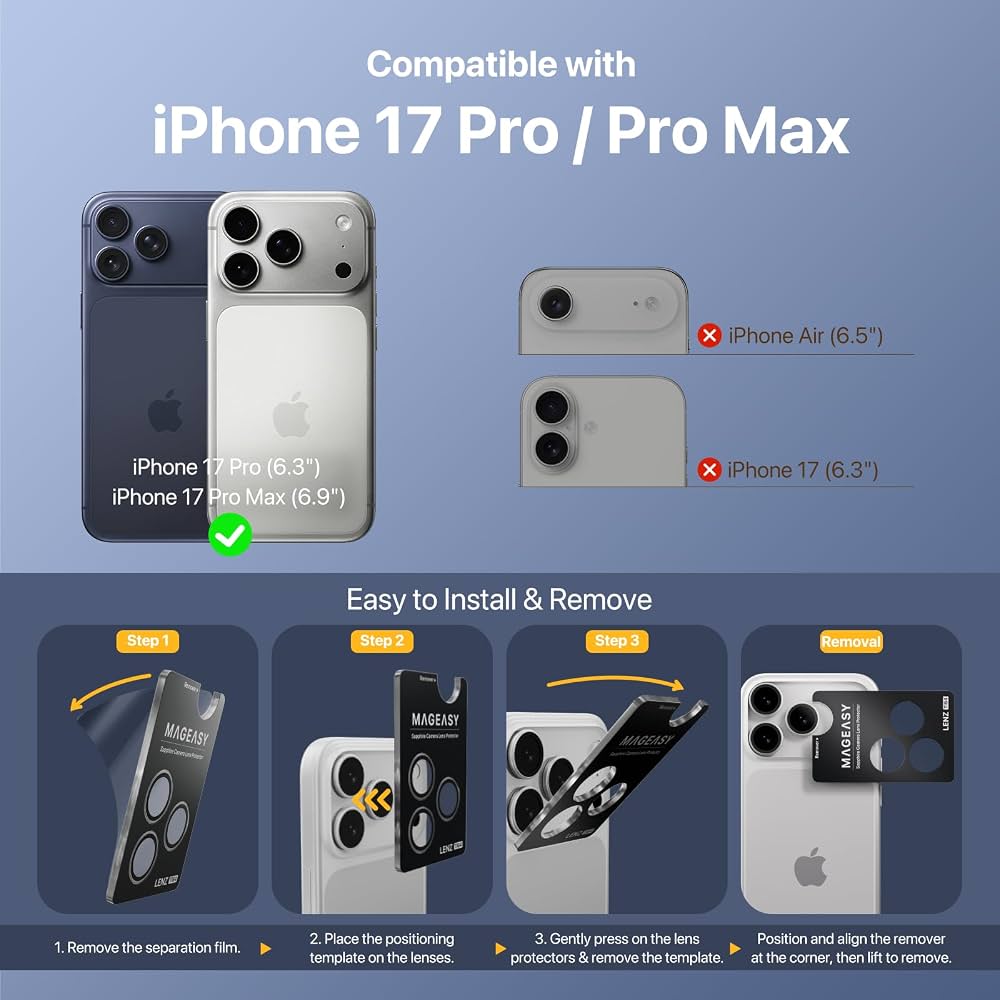
The iPhone 17 Pro and Pro Max share the same triple-camera module. That means protectors made for one fit the other. But protectors for older models won't work.
Lens spacing changed. The camera bump is larger. A protector designed for an iPhone 16 Pro Max will misalign or leave gaps. I tried a leftover protector from my old phone. It covered three lenses but blocked part of the flash. Every night photo had a white haze.
Check compatibility before buying. The box should say "iPhone 17 Pro / 17 Pro Max" specifically. Not "iPhone 17 series." Not "iPhone 17." The base iPhone 17 has a dual-camera setup. Its protectors won't fit your Pro Max.
The Photo Quality Problem Nobody Warns You About
Here's the uncomfortable truth. Some protectors degrade image quality. I learned this the hard way.
One budget protector I tested caused visible blur in zoom shots. Photos at 5x looked soft and muddy. I removed the protector and the sharpness returned instantly. The glass was the problem. It wasn't optically clear.
Another protector created flash glare. Night photos with the flash on showed a white reflection bouncing back into the lens. One reviewer described the same issue with a different brand.
What to check before buying:
Look for anti-reflective (AR) coating. Brands like Torras claim dual-sided AR coating for night photography. Spigen advertises anti-reflective glass that reduces glare.
Avoid protectors that cover the entire camera plateau as one piece. Individual lens rings preserve flash performance better. One-piece covers trap light and reflect it back.
Test your photos immediately after installation. Shoot a zoom photo and a flash photo. Compare them to shots taken without the protector. If you see blur or glare, return it.
Which Brands Actually Hold Up?
I tested five options. Here's my honest ranking based on real use.
Spigen Optik Pro XL: Reliable, But Not Perfect
Spigen's protector uses 9H tempered glass and includes an alignment tray for easy installation. The fit is precise. Photos stayed sharp in my testing.
The catch: One verified buyer reported the protector broke within two days without any drop. Another mentioned fit issues with certain Spigen cases. The quality control isn't perfect.
Price sits around $30. That's mid-range. The installation tray makes a real difference for first-timers.
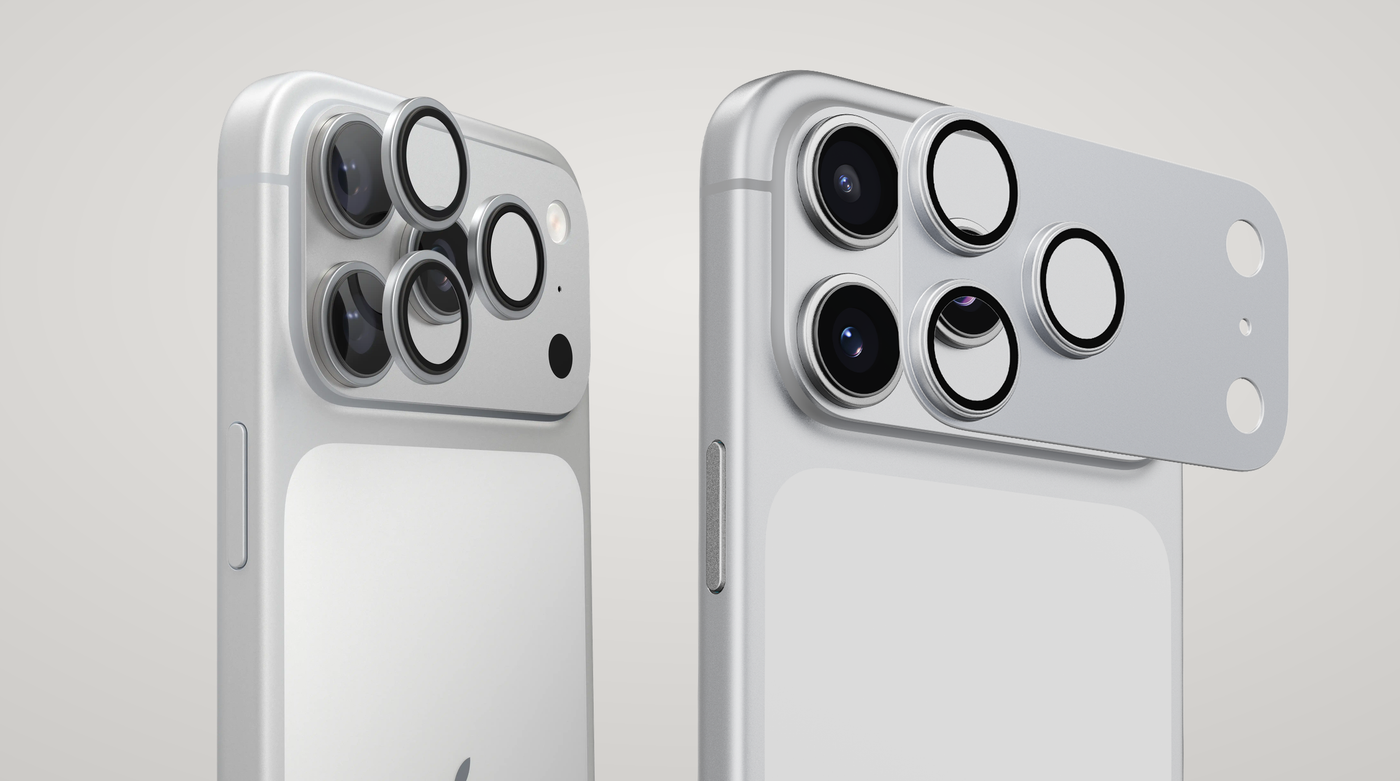
Torras Diamond Shield: The Tough Option
Torras claims military-grade 9H+ glass tested against 14,000 drops from 12 feet . I didn't test those extremes. I did drop my phone once from waist height onto tile. The protector cracked. The lens underneath stayed perfect.
You Must Also Like: Reliance Digital iPhone 17 Exchange Offer: Maximize Your Trade-In Value
The AR coating genuinely helped with night photos. No flash glare in my tests. The metal frame adds bulk but feels durable.
Who this is for: People who drop their phones often. The protection justifies the slightly higher price.
ESR Camera Lens Protector: Best Budget Pick
ESR offers hardened glass with a matte black ring that blends into the camera bump. Installation took me under two minutes with the included alignment frame. Photos stayed clear.
I've used this one for three weeks now. No scratches. No peeling. No image quality issues. At under $15, it's the best value I found.
The limitation: The matte ring shows fingerprints more than metal frames. Minor issue. Wipe it down and it's fine.
Amazon Basics: Avoid for Photo Quality
I wanted this to work. The price was right. The installation was simple. But the zoom blur issue I mentioned earlier? That was this protector.
Multiple reviewers report the same problem. One user wrote that zoom shots became "blurred" and they returned the product. Another noted the glass cracked "very soon after a few days".
Skip this one if you care about photo quality. The savings aren't worth the compromise.
Installation Mistakes That Ruin the Protector
I ruined my first protector by rushing. Here's what I learned.
Clean the lens thoroughly. Use the alcohol wipe first. Then the microfiber cloth. Then the dust sticker. Any trapped particle creates a bubble that never goes away.
Use the alignment frame. Every good protector includes one. Don't eyeball it. The frame ensures the holes line up with the lenses. Misalignment causes vignetting or flash blockage.
Press firmly around each lens ring. Not just the center. Air bubbles form at the edges if you don't seal them properly.
Wait 24 hours before using a case. Some cases press against the protector edges. Give the adhesive time to set.
One more thing: don't touch the adhesive side. Fingerprints on the sticky surface create permanent smudges under the glass.
When You Should Skip a Protector Entirely?
Not everyone needs one. Let me be honest about who should save their money.
Skip it if: You always use a thick case with raised camera edges. The case already protects the lenses. Adding a protector is redundant.
Skip it if: You never drop your phone and hate any added bulk. The sapphire lens cover handles scratches well. You're paying for shatter protection, not scratch protection.
Skip it if: You shoot professional video with ProRes and need absolute optical purity. Even the best protector adds a layer of glass. For casual photography, it doesn't matter. For pixel-peeping professionals, it might.
Buy one if: You've broken a camera lens before. You work outdoors or in dusty environments. You drop your phone regularly. You plan to resell the phone later and want the lenses pristine.
iPhone 13 and iPhone 12 Pro Max: A Quick Note
If you're searching for an iPhone 13 lens protector or a camera lens protector iPhone 12 pro max, the same rules apply. Check compatibility carefully. The iPhone 12 Pro Max has a different camera module size than the 13 Pro Max.
One reviewer of a 12 Pro Max protector noted that the lens cover cracked after a drop, but the lens itself was "definitely protected". That's the whole point. The protector takes the damage so the lens doesn't.
Older models have more options at lower prices. The technology hasn't changed much. You don't need to spend $30 on a protector for a four-year-old phone.
The Final Thoughts
I'm running the ESR protector on my iPhone 17 Pro Max now. It cost under $15. Photos look identical to before. Installation took two minutes. It's been three weeks without issues.
I keep a Torras as backup. If the ESR cracks, I'll switch. The Torras feels tougher, but the ESR does the job at half the price.
If a friend asked me what to buy, I'd say this: spend $15 on the ESR. Test your zoom and flash photos immediately. If they look good, keep it. If not, return it and try Spigen or Torras.
Don't buy the cheapest option you find. Don't buy a protector that covers the whole camera bump as one piece. And don't expect sapphire-level scratch resistance from a $10 piece of tempered glass.
Your camera is the most expensive part of your phone. A $15 protector is cheap insurance. Just make sure it doesn't ruin the photos you bought the phone for.
This article provides comprehensive insights about iPhone 17 Pro Max Camera Lens Protector Buying Guide 2026. Bookmark this page for future reference!