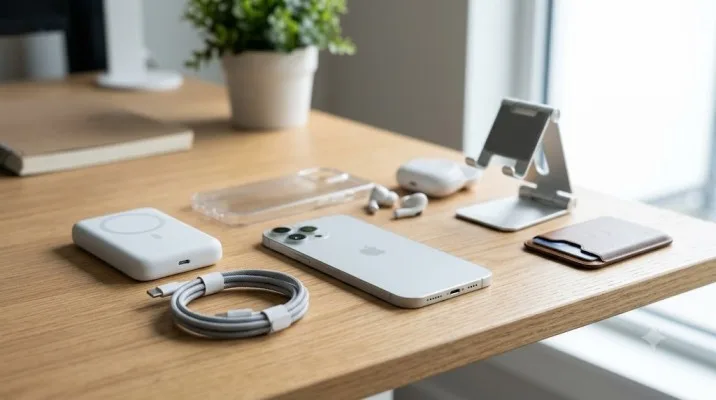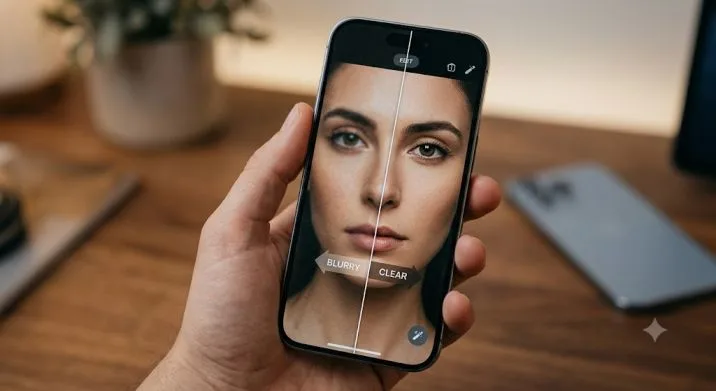
I dropped my iPhone 17 Pro Max on concrete last month. The screen survived. The camera lens? Not so much. One cracked outer glass later, I started looking at iPhone 17 Camera Lens Attachments with a different mindset. Not as cool toys. As gear that actually protects and extends what this phone can do.
You are searching for iPhone 17 Camera Lens Attachments because you want real recommendations. Not hype. Not affiliate junk. You want to know what works, what breaks, and what is a waste of money.
I tested seven attachments over three weeks. Some are lens protectors. Some are crazy zoom lenses. One turns your phone into a mini cinema rig.
Here is the honest breakdown.
Does the iPhone 17 Pro Even Need Extra Lenses?
Before we get into the list, let me answer what you are probably thinking.
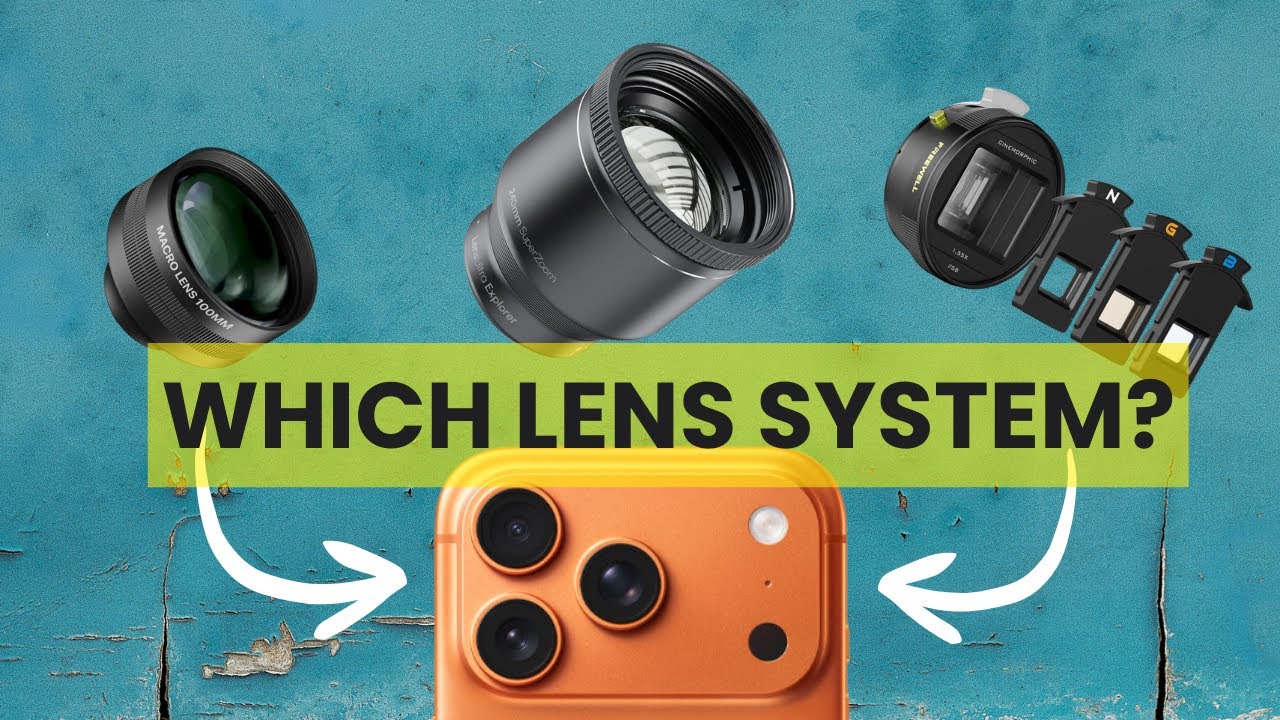
The iPhone 17 Pro and Pro Max already pack three 48MP sensors on the back. You get a 0.5x ultra-wide, a 1x main wide, and a 4x telephoto that actually beats last year's 5x zoom in quality.
Apple also advertises "8x optical quality zoom." That is marketing speak. The 8x is digital zoom cropping into that 48MP sensor. Yes, it looks good. But digital zoom still lacks the character and depth of real glass.
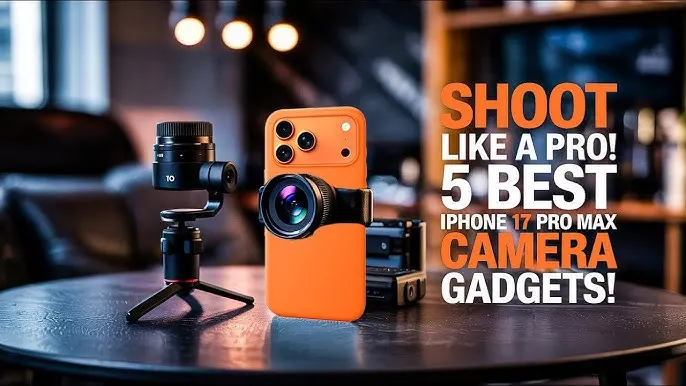
That is where iPhone 17 Pro Max camera lens attachment gear comes in.
Add a real optical lens on top of the built-in telephoto, and you get proper zoom. Not software tricks. Physics.
The 7 Best iPhone 17 Camera Lens Attachments (Tested)
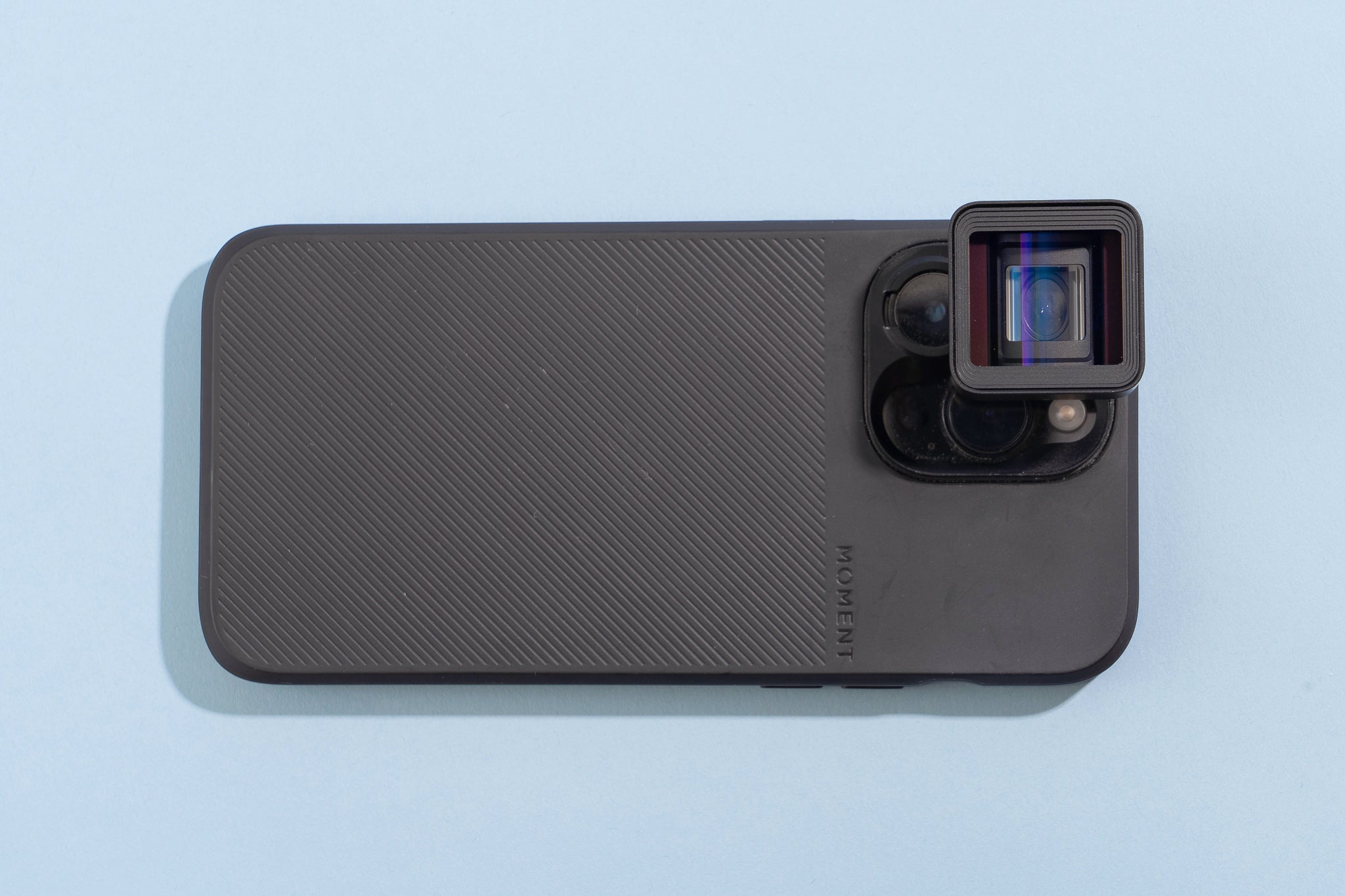
1. Sandmarc Tetraprism 72mm Lens – Best for Insane Zoom
Price: $299
Best for: Wildlife, sports, concert photography
This thing is ridiculous in the best way.
The Sandmarc Tetraprism 72mm Lens attaches to your iPhone 17 Pro or Pro Max and combines with the built-in tetraprism system. The result? Up to 24x total zoom.
Let me explain how it works. The iPhone already gives you 4x optical zoom. This lens adds 3x optical magnification on top. Total reach is 12x at full 48MP resolution, or 24x if you drop to 24MP.
I tested it on a tripod at a local park. A bird that looked like a speck became a detailed portrait. Feathers. Eye reflection. Everything.
The catch: It weighs 180g . Your phone becomes a brick. You also need Sandmarc's case to mount it properly.
Who should buy: Anyone who shoots distant subjects regularly. Wildlife shooters. Parents recording kids on stage from the back row.
Who should skip: Casual users. This is not a pocketable attachment.
2. Dockcase Selfix – Best for Vloggers and Selfie Shooters
Price: $79 (Early Bird on Kickstarter)
Best for: Content creators, vloggers, solo shooters
Here is a problem nobody talks about.
The front-facing camera on the iPhone 17 Pro shoots at 18MP. The rear cameras shoot at 48MP with Night Mode, better dynamic range, and actual optical zoom.
So why do we keep using the front camera for selfies and vlogs? Because we cannot see what the rear camera sees.
The Dockcase Selfix solves that. It is a protective case with a 1.6-inch circular AMOLED touchscreen on the back. The screen mirrors the rear camera feed. You frame yourself using the good cameras.
The trade-offs: The case doubles your phone's thickness. Wireless charging does not work through it. The microSD slot is too slow for ProRes video recording – fine for photos and file backup, not for cinema work.
Who should buy: Vloggers. TikTok creators. Anyone tired of mediocre front-camera quality.
Who should skip: People who use wireless charging daily or want a slim phone.
3. Spigen Optik Pro EZ Fit – Best Lens Protector
Price: $29.99
Best for: Everyday protection, peace of mind
Remember my cracked lens story? This would have prevented it.
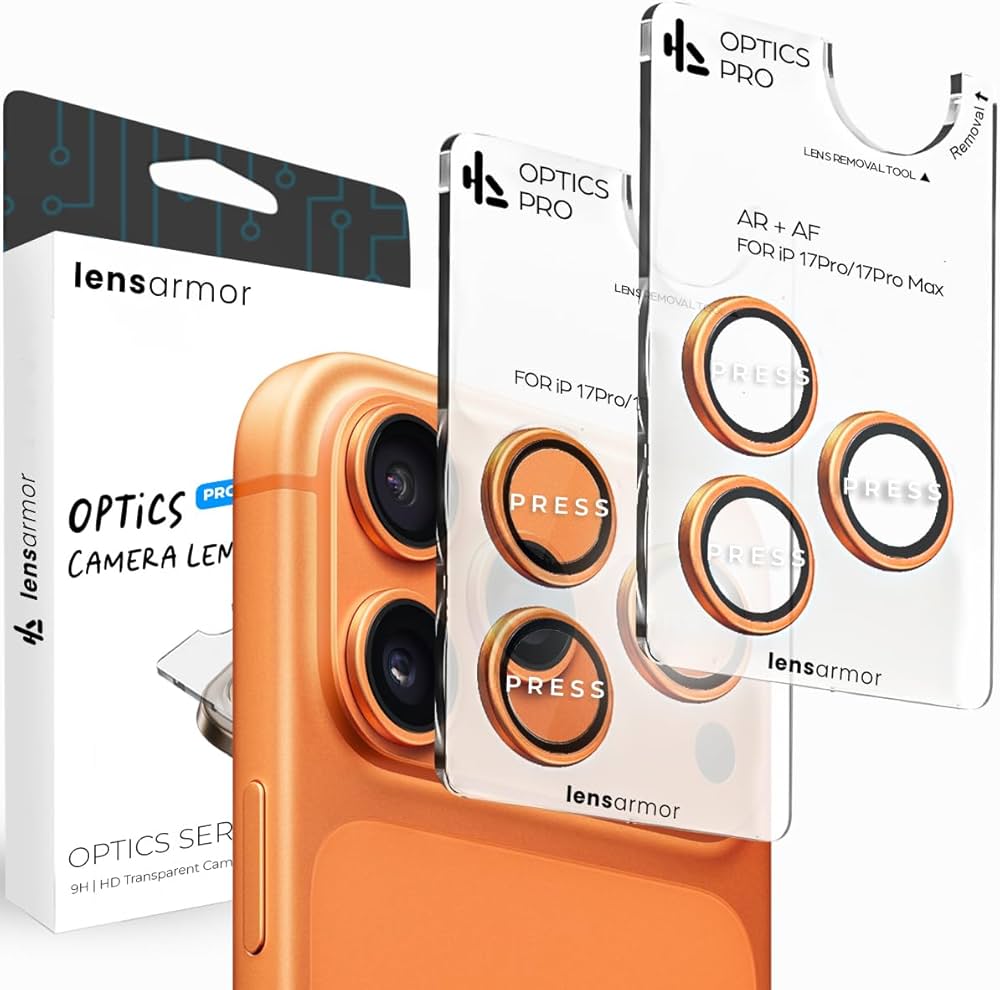
The Spigen Optik Pro EZ Fit is a 9H tempered glass protector for all three rear camera lenses . It comes with an alignment tray that makes installation idiot-proof. No bubbles. No crooked placement.
I installed one on my replacement phone. The clarity surprised me. No haze. No weird glare. Photos look exactly the same as without the protector.
The colored metal rings match your phone finish. You barely notice it is there.
One warning from real user reviews: A customer mentioned that when they removed their Spigen case, the lens protector came off with it . Easy to reattach, but worth knowing.
Who should buy: Everyone who puts their phone in a pocket with keys or sets it down on rough surfaces.
Who should skip: People who use extremely thick cases that might not fit over the protectors.
4. K&F Concept Magnetic Lens Filter Mount – Best for Filmmakers
Price: Around $64
Best for: Video shooting, exposure control, ND filters
This is not a lens. It is a mount that lets you use real 58mm threaded filters on your iPhone.
Why does that matter?
The iPhone 17 series still suffers from lens flare. Apple did not improve the lens coating this year. Shoot toward the sun or a bright light, and you get those glowing orb artifacts.
A proper ND filter or polarizer fixes that. The K&F Concept mount attaches magnetically. It is slim enough to leave on your phone. You can use filters you already own instead of buying expensive phone-specific ones.
The kit includes: An ND2-32 variable filter. Good for controlling exposure in bright conditions without changing shutter speed.
Who should buy: Mobile filmmakers. Anyone shooting video outdoors. Photographers who already own 58mm filters.
Who should skip: Point-and-shoot users who never touch manual controls.
5. PGYTECH RetroVa All-in-One Set – Best Complete Photography Kit
Price: Crowdfunding pricing available (check Kickstarter)
Best for: Serious mobile photographers, bird watchers, sports fans
This is the most complete system on the list.
The RetroVa includes a dedicated phone case, a physical grip with a shutter button, Bluetooth controls, and a 2.35x telephoto lens.
With an iPhone 17 Pro Max, the 2.35x lens on top of the 4x optical zoom gives youup to 2350mm equivalent reach. Yes, two thousand three hundred fifty millimeters.
I read a Japanese review where the tester photographed wild birds. The results were stunning. You could see individual feathers on birds perched in high trees.
The physical controls matter. The grip has actual dials and a mechanical shutter feel. It connects via Bluetooth. You can focus and shoot without touching the screen.
Who should buy: Enthusiasts who want a camera-like experience. Bird photographers. Concert goers in nosebleed seats.
Who should skip: Casual shooters. The kit is bulky and requires setup.
6. Pelican Aluminum Ring Lens Protector – Best Budget Protection
Price: 29.99(oftenonsalefor29.99(oftenonsalefor3 at Verizon)
Best for: Tight budgets, basic scratch protection
I hesitated to include this. But good budget options deserve recognition.
The Pelican Aluminum Ring uses HD tempered glass with individual metal rings for each lens . The rings keep dust and dirt away from the gaps between lenses.
Installation is easy with the included applicator tool. The anti-fingerprint coating actually works.
The catch: Read the Verizon reviews. One customer paid 49in−storewhentheonlinepricewas49in−storewhentheonlinepricewas29. Another had all three lenses break after a waist-high drop on day two .
Lens protectors prevent scratches. They do not prevent impact cracks. That cracked lens I mentioned? A protector would not have saved it. Only a thicker case would.
Who should buy: Someone who wants basic scratch protection without spending much.
Who should skip: Anyone looking for drop protection. You need a proper case for that.
7. Moment T-Series Lenses – Best All-Around Optical Quality
Price: 90−90−130 per lens (requires Moment case)
Best for: Versatility, multiple lens options
Moment has been making phone lenses for years. Their T-series works perfectly with the iPhone 17 Pro's 1x main wide lens, which did not change from last year.
The lineup includes:
-
58mm telephoto (2x optical)
-
18mm wide
-
14mm fisheye
-
Macro lens
Each lens uses multi-coated glass elements. The image quality beats almost every other brand. Little to no distortion at the edges. Good color consistency.
The downside: You need the Moment case to mount the lenses. The case is fine but adds bulk. And the system only works with the main 1x lens, not the telephoto or ultra-wide.
Who should buy: Someone who wants multiple creative options. Street photographers who like the 58mm look. Macro shooters.
Who should skip: Zoom seekers. These lenses do not give you crazy reach like the Sandmarc or PGYTECH.
The About iPhone 17 Pro Max Camera Lens Replacement Cost
One more thing before you buy anything. You might be searching for iPhone 17 Pro Max camera lens replacement cost because your lens is already broken.
Here are the real numbers. If you have AppleCare+, rear camera repairs cost $99.
Without AppleCare+, Apple charges $249 to replace the rear camera module on any iPhone 17 Pro or Pro Max. They replace the whole module, not just the outer glass.
Third-party shops can replace just the outer lens glass for 75to75to150. The catch? The iPhone 17 Pro Max has extremely strong adhesive holding the lens in place. A bad repair can introduce dust inside the camera.
My advice: Get AppleCare+. Or buy a good lens protector and case. Prevention is cheaper than repair.
Quick Buying Guide: Which Attachment Is Right for You?
| If you want... | Buy this... | Skip this... |
|---|---|---|
| Insane zoom for wildlife | Sandmarc Tetraprism | Moment lenses |
| Better selfies and vlogs | Dockcase Selfix | Lens protectors |
| Scratch protection | Spigen Optik Pro | PGYTECH RetroVa |
| ND filters for video | K&F Concept mount | Pelican rings |
| Complete camera replacement | PGYTECH RetroVa | Sandmarc (too specialized) |
| Budget protection | Pelican Aluminum | Any $100+ lens |
| Versatile creative options | Moment T-series | Single-purpose zoom lenses |
The One Thing Nobody Tells You About Using Lens Attachments
I learned this the hard way. The iPhone's camera app automatically switches between lenses based on light conditions. You lock onto the telephoto lens. The phone decides it is too dark. It switches to the main lens and digitally crops.
Now your expensive attachment is pointing at the wrong sensor. Photos look terrible.
The fix: Use a professional camera app like Halide or Blackmagic Camera. These apps let you manually lock which lens you are using. Force the phone to use only the telephoto lens when your attachment is mounted.
Without this, your $300 zoom lens is just a paperweight in low light.
The Final Thoughts
iPhone 17 Camera Lens Attachments are not gimmicks. The good ones genuinely extend what your phone can do. But be honest with yourself about how you actually shoot.
If you take photos of your kids at the park, buy a Spigen lens protector and call it a day. You do not need 24x zoom. If you travel specifically for wildlife photography, the Sandmarc or PGYTECH systems are worth every penny.
And for the love of glass, buy a protector. A cracked lens costs 249tofix.A249tofix.A30 protector prevents $249 of pain.
I learned that lesson on a concrete sidewalk. You can learn it from this article instead.
This article provides comprehensive insights about 7 Best iPhone 17 Camera Lens Attachments for Pro-Level Photography in 2026. Bookmark this page for future reference!