The new AI Siri is not here yet. Not fully. Not the one they showed at WWDC 2024. The smart assistant that understands context and takes action across apps is still coming.
But your Apple Intelligence iPhone 15 can already do things it could not do six months ago. I have tested every beta and public release since iOS 18.1 dropped. The gap between what Apple promised and what works today is real. But so are the features that actually shipped.
Let me show you exactly what works on the iPhone 15 Pro Max right now. No speculation. No "coming soon" hype. Just the steps you need and honest opinions about whether any of this matters.
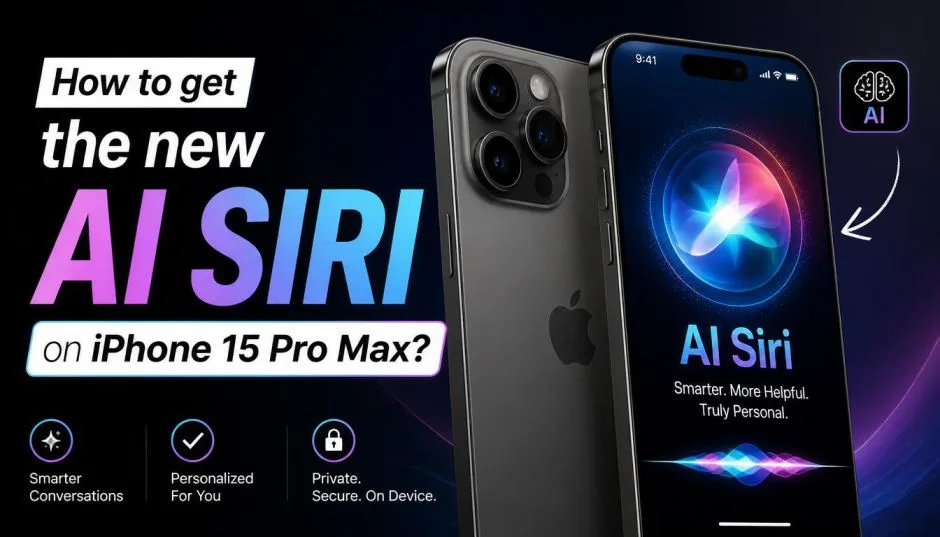
So, How to Get the New AI Siri on iPhone 15 Pro Max?
The apple intelligence iPhone 15 family has a hard rule. Only the Pro and Pro Max models get the AI features. The regular iPhone 15 and Apple Intelligence iPhone 15 Plus are locked out.
Why? The A17 Pro chip and 8GB of RAM. The standard A16 chip simply cannot run the on-device models.
Read Also: Apple iPhone 18 Pro Leaks Tease Imminent Launch and India Price Shock
I learned this the hard way. Bought my wife the regular iPhone 15 last year. She still cannot use any Apple Intelligence features. My 15 Pro Max runs everything. Same generation. Completely different experience.
Quick compatibility check:
-
iPhone 15 Pro – Yes
-
iPhone 15 Pro Max – Yes
-
iPhone 15 Plus – No
-
iPhone 15 – No
If you own a standard iPhone 15 or 15 Plus, stop reading. This guide will not help you. Upgrade or accept that you are stuck with old Siri.
The Step-by-Step Activation (Takes 10 Minutes)
Getting the new AI Siri on your iPhone 15 Pro Max is not hard. But the process has changed across iOS versions. Here is what works as of mid-2026.
Step 1: Update to the Latest iOS
You need iOS 18.4 or later for the full suite. iOS 26.4 is current as of March 2026 for Chinese market users . For most other regions, iOS 18.4 unlocked Visual Intelligence on the 15 Pro series.
Go to Settings > General > Software Update. If you see an update, install it. The AI features will not appear on older versions.
Step 2: Find the New Settings Menu
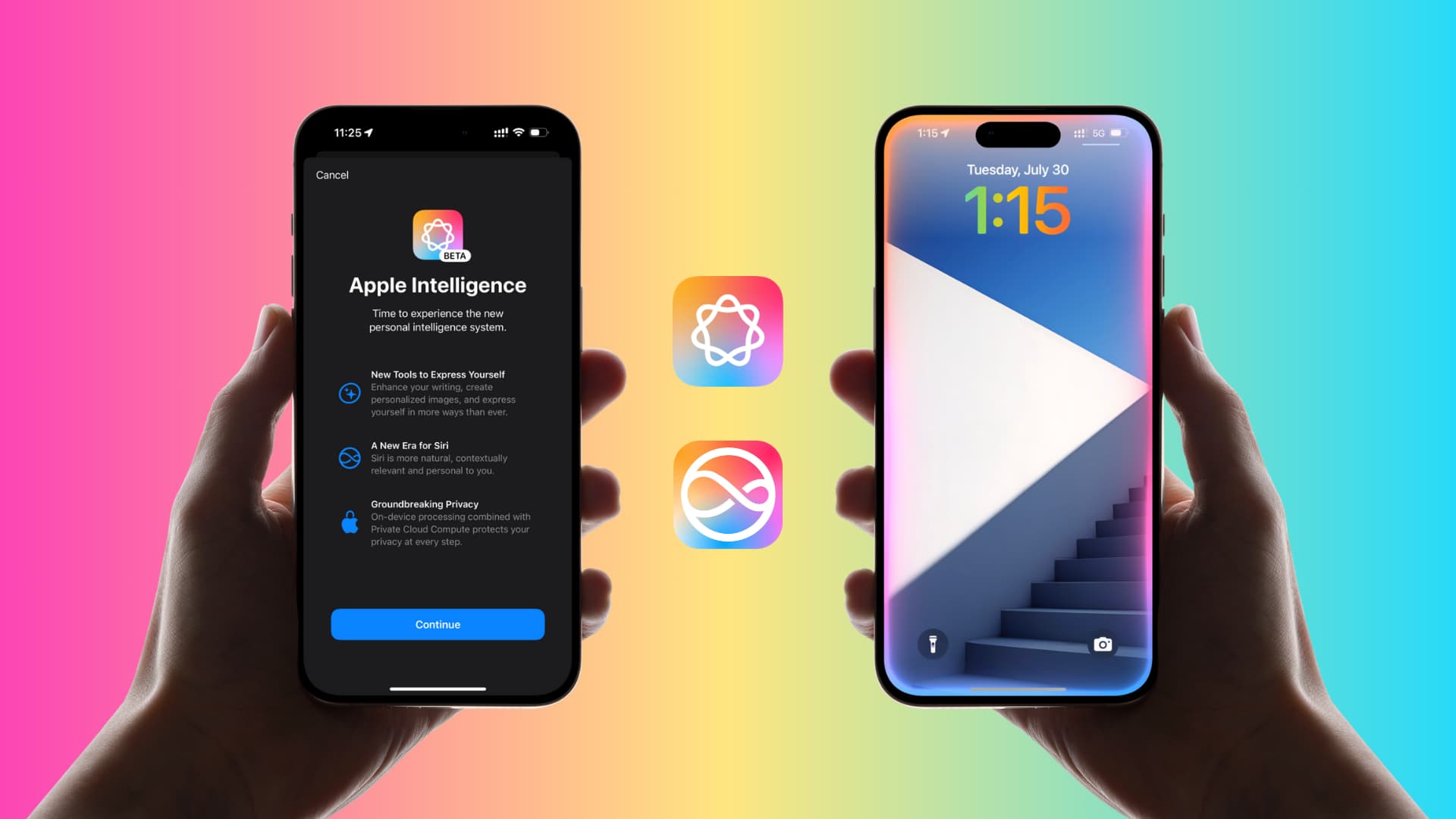
Open Settings. Scroll down. You are looking for "Apple Intelligence & Siri". On older iOS versions, it just said "Siri". The rename tells you something changed.
Step 3: Flip the Switch
Tap "Apple Intelligence" and turn it on. The phone downloads an on-device model. This took about ten minutes on my Wi-Fi connection . The phone needs to stay connected. Do not leave the room.
Step 4: Wait for the Download
A progress bar appears. Let it finish. Once complete, your phone reboots the Siri system. You will know it worked when the Siri animation changes from the old circle to a glowing screen edge.
What Actually Works Right Now (Tested)?
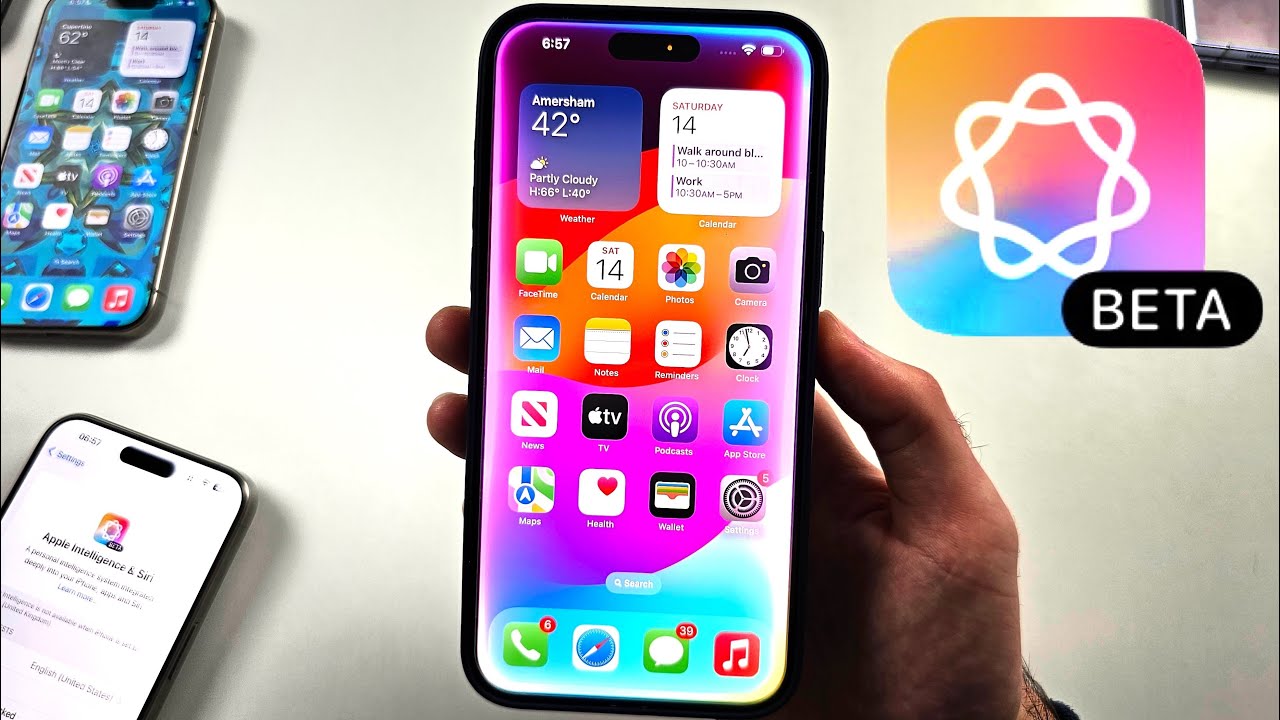
I spent two weeks hammering the new Siri on my 15 Pro Max. Here is the honest breakdown.
The Visual Intelligence Trick (Most People Miss This)
Visual Intelligence was an iPhone 16 exclusive because of the Camera Control button. But iOS 18.4 brought it to the 15 Pro and Pro Max through Control Center.
How to add it:
-
Swipe down from the top-right corner to open Control Center
-
Tap the plus (+) sign
-
Search for "Visual Intelligence"
-
Add the control to your Control Center
Now you can point your camera at a restaurant, landmark, or object. Siri identifies it and shows you relevant information. I used it at a farmers market last weekend. Pointed at an unknown vegetable. It told me it was kohlrabi and showed recipes. Worked perfectly.
The catch? Accuracy varies. It misidentified a vintage chair as "modern replica" twice before getting it right . Do not trust it for anything critical.
The New Siri Interface (Pretty but Shallow)
The glowing screen edge looks great. Typing to Siri works now. You can tap the bottom of the screen and type your request instead of speaking. Great for quiet places like libraries or late nights when family is sleeping.
But here is the disappointing part. The understanding is better but not amazing. I asked "Call my wife and put it on speaker" worked fine. I asked "What did my boss email me about this morning?" Siri showed me a list of emails instead of summarizing them. ChatGPT would answer that easily. Siri still struggles.
Writing Tools (Actually Impressive)
This is the best working feature. Select any text in Notes, Mail, or Messages. Tap the popup menu. Choose "Writing Tools".
You get four options:
-
Proofread – catches grammar and spelling
-
Rewrite – changes the tone (friendly, professional, concise)
-
Summarize – turns long paragraphs into bullet points
-
Key Points – extracts the main ideas
I use this constantly. Drafted a work email, ran it through "Professional" tone, and sent it. Took five seconds. The speed surprised me. On-device processing means no delay . But complex summaries sometimes miss important details. Always double-check.
Genmoji and Image Playground (Fun but Forgettable)
You can create custom emojis now. Type "corgi wearing sunglasses eating pizza" and it generates one. The Image Playground app (called "" in Chinese markets) lets you generate simple images.
Speed is great. Quality is mediocre. These feel like Apple building a checkbox, not a best-in-class tool. Use them for fun. Do not expect DALL-E quality.
AI Photo Clean Up (The Real Winner)
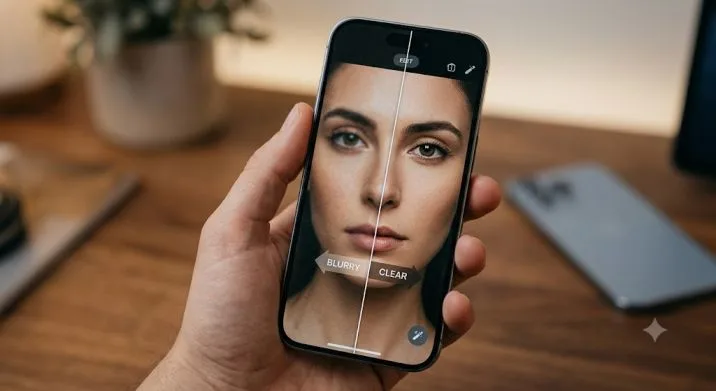
This is the feature I actually use daily. Open a photo. Tap Edit. Tap the Clean Up tool (looks like a rubber). Brush over a person, trash can, or anything you want removed. The AI fills the background.
Speed is incredible. Three seconds max. Runs entirely on the phone. No data leaves your device.
The downside? Complex backgrounds leave artifacts. Remove a person from a beach photo. Zoom in. You will see smudging where the sand texture does not quite match. For simple objects on plain backgronds, it is magic. For busy scenes, you will notice the seams.
What Is Still Missing (The Honest Truth)?
Apple promised a fully conversational Siri that understands context across apps. "Set a reminder based on this email" type stuff. That does not exist yet on any iPhone, including the 15 Pro Max.
Reports indicate delays through 2026. Some features may slip to iOS 27. The reasons? Apple's privacy stance makes training good models harder. They refuse to slurp user data like Google does. That is good for you but bad for Siri's capabilities.
What you cannot do today:
-
Ask Siri to find a photo from last Tuesday and text it to someone
-
Have a back-and-forth conversation that remembers context
-
Ask Siri to take actions across multiple apps in one request
The new Siri is better. It is not the revolution Apple advertised.
Regional Differences Matter (Especially for Chinese Users)
If you are in mainland China, the rollout has been messy. Apple Intelligence arrived on March 31, 2026 – nearly two years after the US launch. The delay came from finding local AI partners. Apple eventually partnered with Alibaba's Tongyi Qianwen model for compliance reasons.
You Must Also Like: 7 Best iPhone 17 Camera Lens Attachments for Pro-Level Photography in 2026
In testing, the Chinese version works similarly to the global release. Speed is excellent. Accuracy is acceptable but not class-leading. Some functions required a phone restart to activate properly.
For users in the US, UK, Canada, Australia, and other supported regions, the features arrived earlier and are more stable.
Pros and Cons (No Sugarcoating)
Pros:
-
Visual Intelligence works on 15 Pro Max even without Camera Control
-
Writing Tools save real time on email and messages
-
Photo Clean Up is genuinely useful for casual users
-
On-device processing means privacy and speed
-
Typing to Siri is a welcome addition
Cons:
-
Siri is still not "smart" compared to ChatGPT or Gemini
-
Many promised features remain delayed indefinitely
-
Standard iPhone 15 users are completely excluded
-
Image generation quality is mediocre
-
Complex Clean Up tasks produce visible artifacts
Who Should Upgrade and Who Should Wait?
Buy the iPhone 15 Pro Max for Apple Intelligence if:
-
You currently own an iPhone 14 or older
-
You write emails and notes constantly (Writing Tools help)
-
You take many photos and want basic editing without third-party apps
-
Privacy matters more to you than bleeding-edge AI
Do NOT upgrade just for Siri if:
-
You already have a 15 Pro or 16 series
-
You expect ChatGPT-level conversations
-
You use mostly Google services (stay with Pixel)
The AI features are nice additions. They are not worth $1,000 by themselves. If your current phone works fine, wait for the iPhone 17. Early reports suggest better on-device models and possibly the Gemini integration Apple recently announced.
The Final Thoughts
Your apple intelligence iPhone 15 Pro Max can do more today than it could six months ago. Visual Intelligence works. Writing Tools save time. Photo Clean Up impresses. But the new AI Siri – the one Apple sold as a breakthrough – is not here. Not really.
Activate what exists. Use the tools that help. Adjust your expectations. The features that shipped are practical but limited. The features that did not ship may arrive by late 2026. Or later.
Check your iOS version. Turn on the switch. Try Visual Intelligence on a coffee shop menu. It will probably translate it correctly. That is where we are with Apple's AI. Good enough for small tasks. Not yet good enough for real work.
If you want the full promised experience, wait another year. If you want a phone that does a few new useful things, your 15 Pro Max is ready right now.
This article provides comprehensive insights about How to Get the New AI Siri on iPhone 15 Pro Max?. Bookmark this page for future reference!