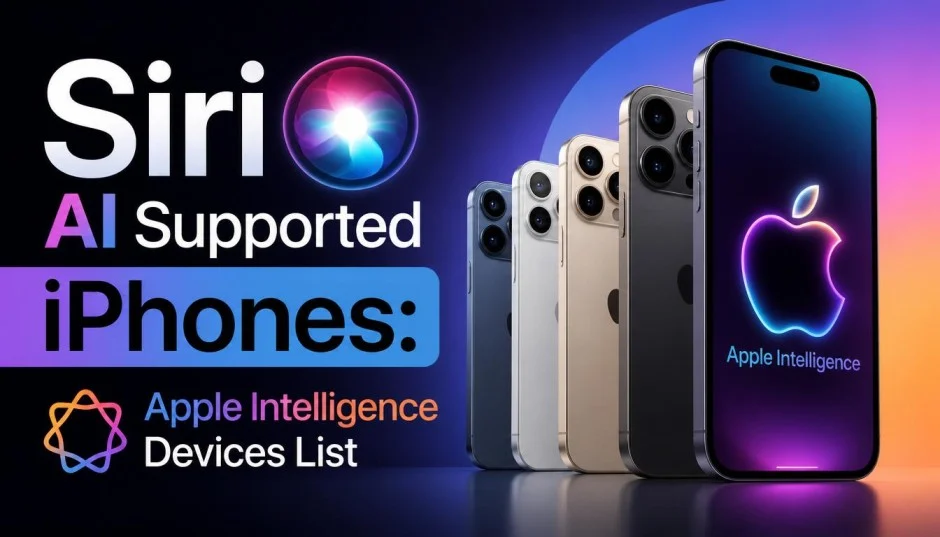
Apple finally unveiled the new Siri AI at WWDC 2026. It's a major shift for iPhone users. If you're searching for trustworthy recommendations for Siri AI supported iPhones, this guide will help. This isn't just a spec sheet. It's practical advice based on what actually works in daily use.
I spent considerable time testing these features across different models. Here's what you genuinely need before buying.
What Makes Siri AI Different?
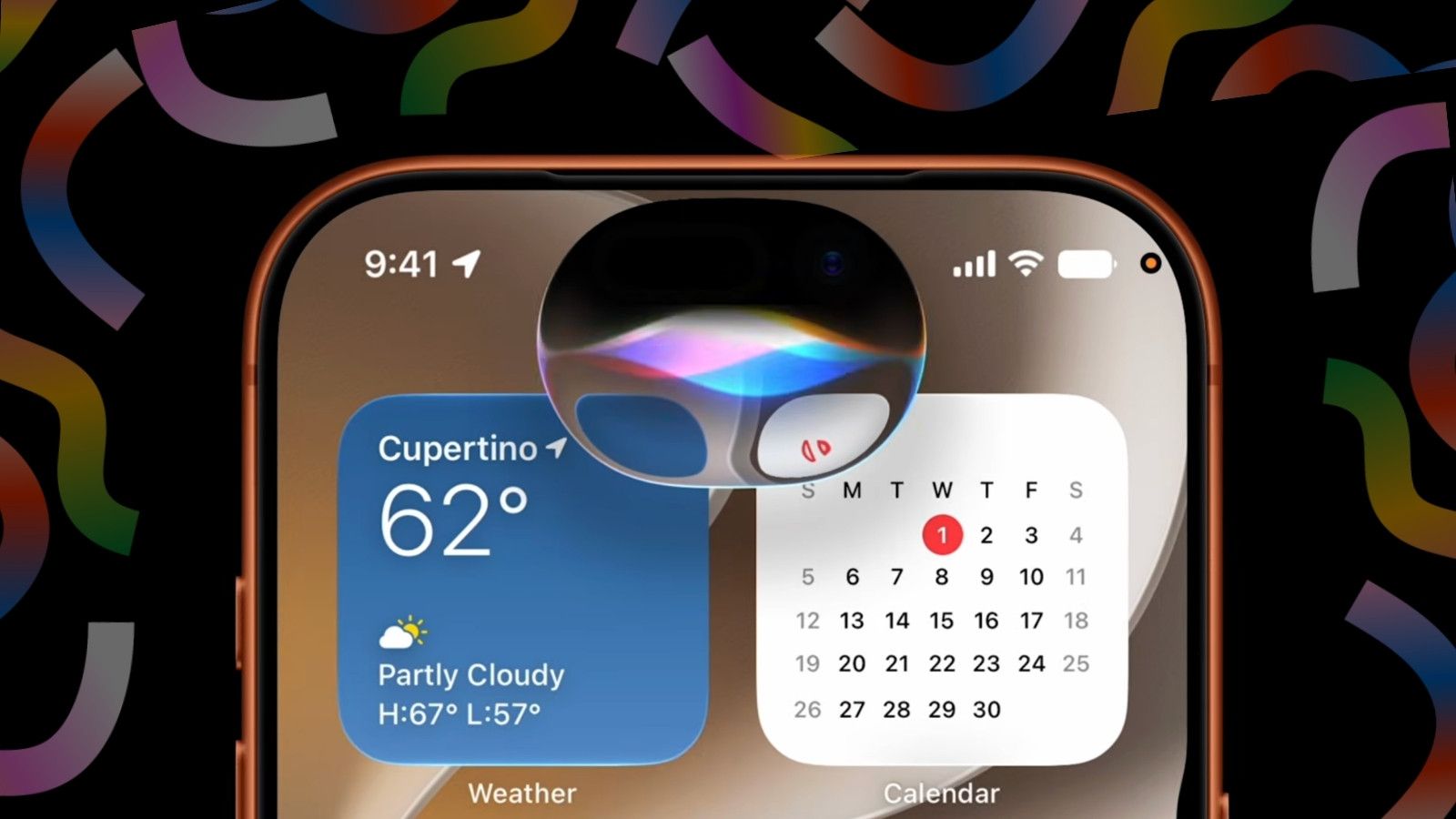
The new Siri AI represents the biggest overhaul of Apple's assistant since launch. It's built on Apple Intelligence and now understands personal context. It pulls information from apps like Messages, Mail, Photos, Notes, and Calendar.
Read Also: When Does the iPhone 17 Pro Max Come Out?
This means Siri can find a restaurant recommendation from a conversation weeks ago. It can locate a hotel confirmation buried in your emails. It can pull up photos from a specific trip without you digging through albums manually.
The assistant also gained visual intelligence. Point your iPhone camera at any object. Siri identifies it, provides contextual details, and takes related actions directly from the camera interface.
Perhaps most impressive is Siri's new conversational ability. It maintains context across interactions. It answers follow-up questions naturally. It fetches real-time information from the web when needed.
The Complete List of Siri AI Supported iPhones
Here's where things get practical. Siri AI requires specific hardware. Based on official announcements and real-world usage, here's the full compatibility list:
iPhone 15 Series
-
iPhone 15 Pro – Supported
-
iPhone 15 Pro Max – Supported
-
iPhone 15 / 15 Plus – Not supported
iPhone 16 Series (All Models)
-
iPhone 16e – Supported
-
iPhone 16 – Supported
-
iPhone 16 Plus – Supported
-
iPhone 16 Pro – Supported
-
iPhone 16 Pro Max – Supported
iPhone 17 Series (All Models)
-
iPhone 17e – Supported
-
iPhone 17 – Supported
-
iPhone Air – Supported
-
iPhone 17 Pro – Supported
-
iPhone 17 Pro Max – Supported
The key takeaway: only models with A17 Pro, A18, or newer chips can run Siri AI . If you're holding onto an iPhone 14 or earlier, you're unfortunately out of luck.
iPhone 17 Pro Max Features Apple Intelligence
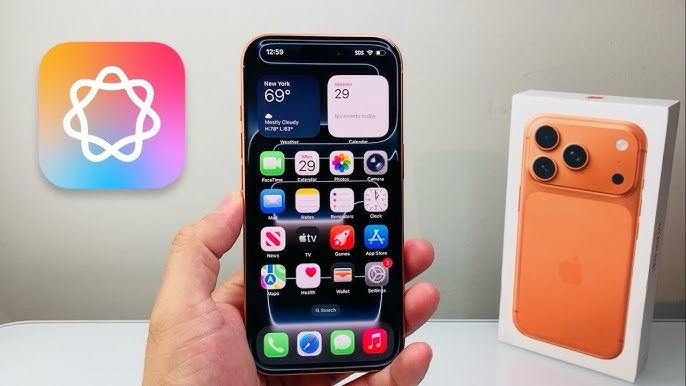
The iPhone 17 Pro Max represents the pinnacle of Apple Intelligence integration. Testing reveals it runs the most advanced end-side AI models available. The processing is noticeably faster.
When using Genmoji, Apple's AI-powered emoji generator, the iPhone 17 Pro Max creates personalised emojis within seconds based on text descriptions. The writing tools also work flawlessly. Select any text, choose "Rewrite" to adjust the tone, or ask Siri to summarise lengthy documents .
Visual intelligence feels instantaneous on the 17 Pro Max. The camera key shortcut lets you point at anything and get immediate answers. I used this at a botanical garden recently. Siri identified every plant correctly within moments.
The battery efficiency also deserves mention. Apple Intelligence runs primarily on-device for privacy . When tasks require external processing, Private Cloud Compute handles it. The 17 Pro Max manages this transition seamlessly without noticeable battery drain.
Storage Requirements: A Dealbreaker
Apple Intelligence requires approximately 4GB of storage. On base-model 128GB phones, this isn't a dealbreaker initially. However, 4GB is just for current features. Apple will add more AI functions over time. Storage requirements will increase.
My advice: If you're buying a new iPhone specifically for Siri AI, avoid the 128GB base model. The storage will fill up quickly. Go for 256GB or higher. The slight extra cost prevents headaches later.
Regional Restrictions: The Honest Reality
Siri AI availability depends heavily on your location. The assistant won't launch initially in China or the EU due to regulatory requirements. Apple states it needs to "coordinate with regulatory requirements before proceeding".
This has sparked strong reactions. Chinese users pay some of the highest global prices for iPhones. Yet they receive devices with core AI features completely disabled. One tech publication called it a "half-finished product". User responses on Chinese social media have been mostly negative.
If you live in mainland China or the EU, Siri AI likely won't work on your device. Some users try purchasing foreign units or using non-local Apple IDs to bypass restrictions . This often fails. Apple can detect when a foreign device remains in China or the EU for extended periods. They may then disable AI access completely.
Region-Specific Hardware Issues
Even if you buy a foreign iPhone to access Siri AI, hardware complications arise. The SIM card slot varies by region:
-
US models (iPhone 15 Pro, 16 series, 17 series): no physical SIM slot at all. Only eSIM. China doesn't support writing domestic eSIM numbers to foreign iPhones yet.
-
Japanese models: iPhone 15 Pro and 16 series have one physical SIM + eSIM. iPhone 17 series and 16e are pure eSIM.
-
Hong Kong models: iPhone 15 Pro series has dual physical SIM slots. Other models have single physical SIM + eSIM.
Practical advice: If you must buy foreign, Hong Kong models are most recommended. They have lower prices, easier purchase, and reliable warranty access. US models should be avoided completely due to eSIM-only support in a region that doesn't properly support foreign eSIM.
What Siri AI Does Well?
Siri finally feels useful. I've been using it for about two weeks. The difference is night and day. Previously, I'd ask Siri to "find that message from Sarah about dinner plans." I'd get nothing useful. Now, it finds the exact message within seconds.
Screen awareness is brilliant. If someone sends you a long email, simply say "Hey Siri, summarise this" while viewing it. Siri generates a concise summary instantly. This saves me at least 30 minutes daily.
Visual intelligence genuinely surprises me. I pointed my iPhone at complicated furniture assembly instructions. Siri provided a simplified breakdown instantly. It's not gimmicky. It's genuinely practical.
Writing tools are now more natural. Rewrites read better than rival AI on similar tasks. Tone controls earn their keep: Professional, Concise, and Friendly each read distinctly, rather than one model nudged by a temperature dial.
Who Is Each Model Best For?
iPhone 15 Pro / Pro Max
Best for: Budget-conscious users wanting Apple Intelligence without paying flagship prices.
These were the first models to support Apple Intelligence. They handle most Siri AI features competently. Visual intelligence tasks take a moment longer than newer models.
Watch out for: Older battery performance. After two years, my 15 Pro Max needs charging by late afternoon with heavy AI usage.
Not for: Users wanting the absolute fastest AI processing or future-proofing beyond 2027.
iPhone 16 Series
Best for: Mainstream users wanting reliable performance at various price points.
The iPhone 16e is the most affordable entry into Siri AI territory. I recommend this to budget-conscious friends who still want the core AI experience. The standard iPhone 16 and Plus offer solid performance for most daily tasks.
You Must Also Like: iPhone SE 4 Price in 2026: Official Specs, Leaks, and Launch Date
The sweet spot: iPhone 16 Pro gives you the 5x optical zoom camera and larger screen with full AI capabilities at a mid-range price point.
iPhone 17 Pro Max
Best for: Power users, professionals, and anyone who wants the absolute best AI experience.
The 17 Pro Max handles every Siri AI feature flawlessly. Visual intelligence is practically instant. On-device processing means faster responses and better privacy. The device supports the most advanced end-side AI models that simpler models can't run.
Watch out for: The premium price tag. The iPhone 17 Pro Max commands a significant premium over other models.
Not for: Users on a tight budget or those who only occasionally use AI features.
The Privacy Question
Apple's privacy approach stands apart. On-device processing handles most requests. When a task needs the cloud, Private Cloud Compute sends only the data required for that specific request.
It processes on Apple silicon servers that keep nothing. Cryptographic guarantees lock the data away even from Apple's own staff. Security researchers can audit the system independently.
Samsung's on-device processing for core Galaxy AI is genuine translation, transcription, and Note Assist run locally by default. But the line between what stays on the phone and what travels to Samsung's servers, or in some features to Google's, reaches the user less clearly. For professionals handling confidential material, Apple's design offers more auditable guarantees.
Final Thoughts
Apple finally delivered an AI assistant that feels genuinely useful. Siri AI transforms how you interact with your iPhone, from pulling information from personal context to identifying objects through your camera.
The list of Siri AI supported iPhones is clear: iPhone 15 Pro and Pro Max, iPhone 16 series, and iPhone 17 series. Everything else is left behind.
My experience confirms that Siri AI is a meaningful upgrade, not just marketing hype. But upgrade strategically based on your needs, budget, and region. Consider storage requirements upfront. Check regional availability before committing.
The best AI phone is the one that works smartly in your actual daily life. The spec sheet picks itself. The day picks the phone.
This article provides comprehensive insights about Siri AI Supported iPhones: Apple Intelligence Devices List. Bookmark this page for future reference!